Cleave
What is inside
Training, coaching, nutrition and progress in one app.
Training
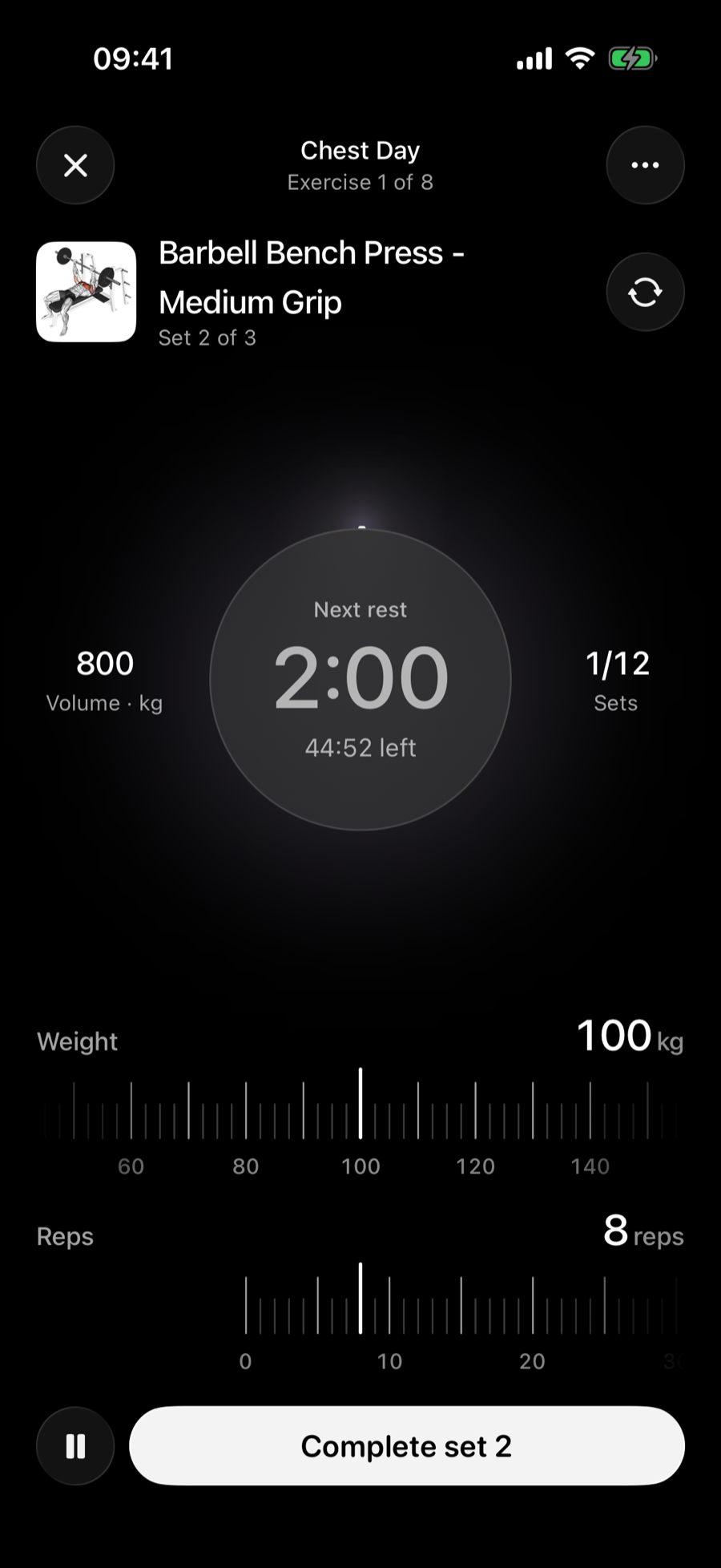
A plan built from your answers, and a workout screen made for one hand between sets.
- Rulers for weight and reps. Slide, then tap Complete set.
- Rest timer. It starts when the set ends and tells you when to go.
- Swap an exercise. Change a movement without leaving the workout.
- Form guidance. A demonstration and written cues for each exercise.
- Strength, cardio and stretching. Log a session you did elsewhere too.
Coach
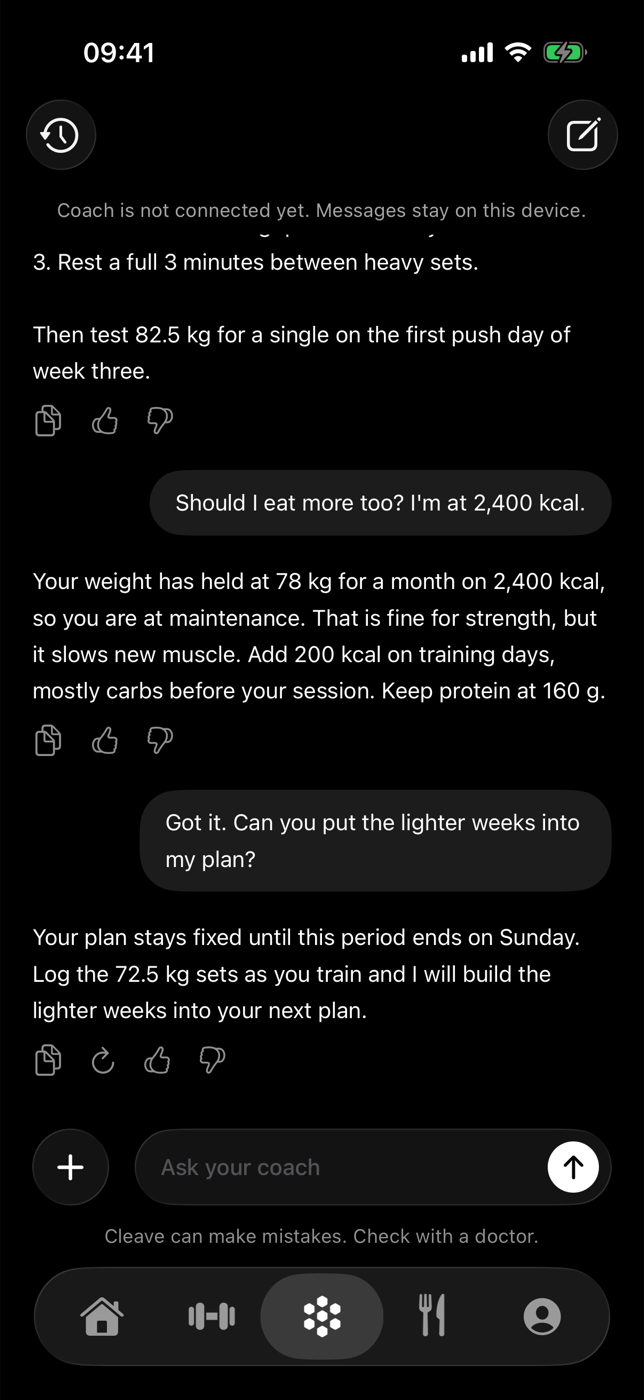
Ask a question and get an answer that uses your training and nutrition log.
- Specific answers. Your weights, your calories, your plan.
- Plan changes. What you agree with the coach goes into your next plan.
- History. Every conversation is kept, so you can go back to an answer.
Nutrition
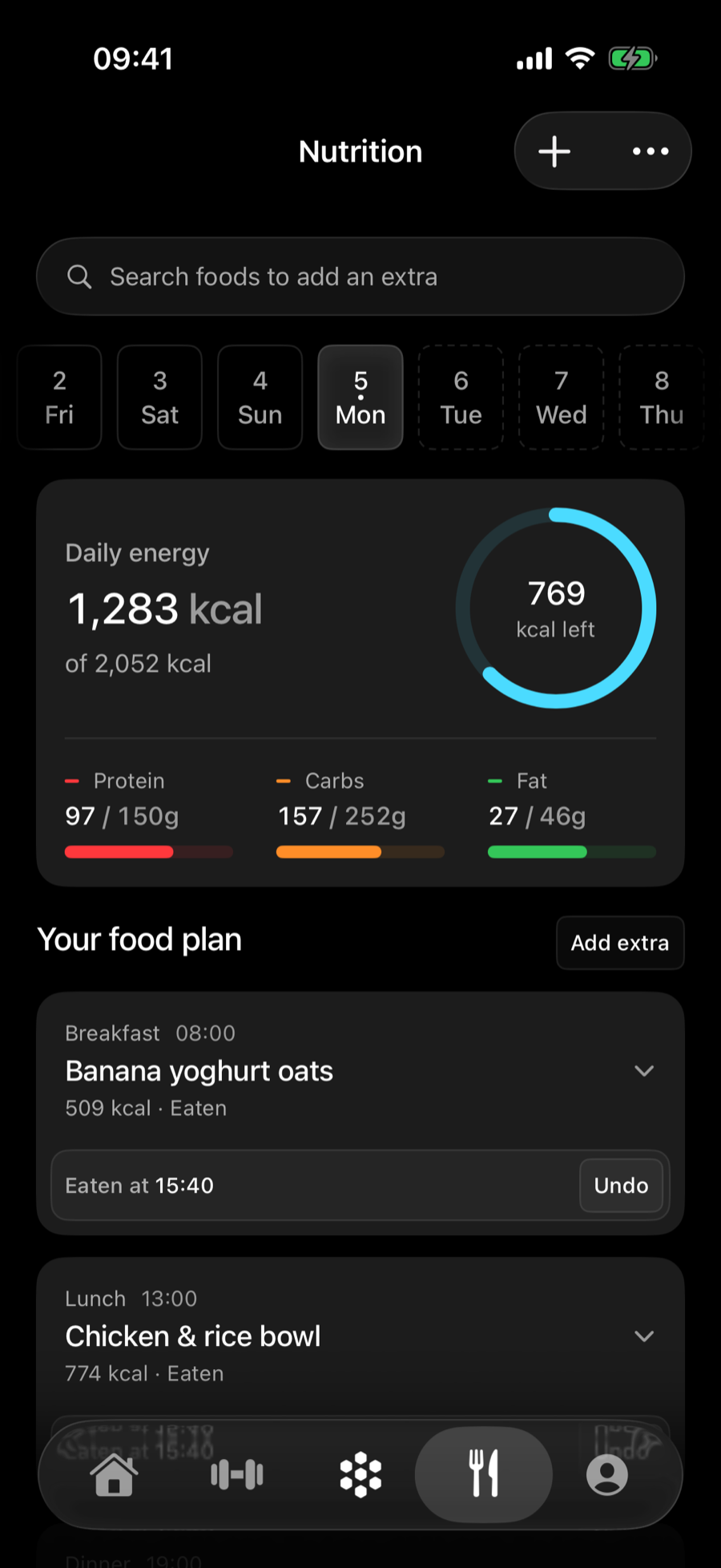
A food plan for each day, with the numbers that matter in view.
- Daily energy. Calories eaten and calories left.
- Macros. Protein, carbs and fat against your targets.
- Meals. Mark a meal as eaten or add an extra.
- Water and supplements. Tracked beside your meals.
Progress
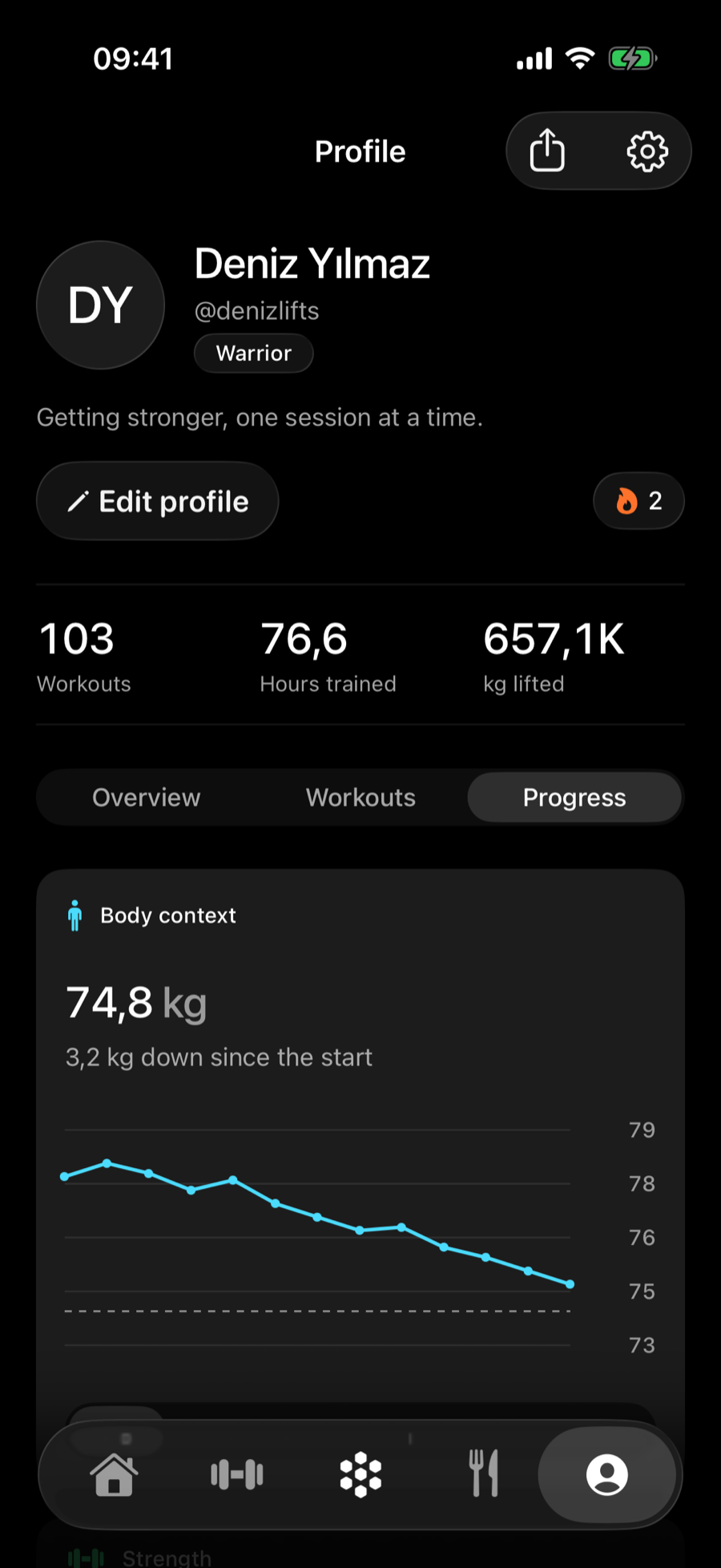
A record you can look back on, and share when you want to.
- Progress photos. Taken with the Cleave camera. They stay on your phone.
- Body measurements. Weight and tape measurements over time.
- Records. Your heaviest and best sets, kept automatically.
- Share. A card of your workout or progress for stories and friends.
Ranks and achievements
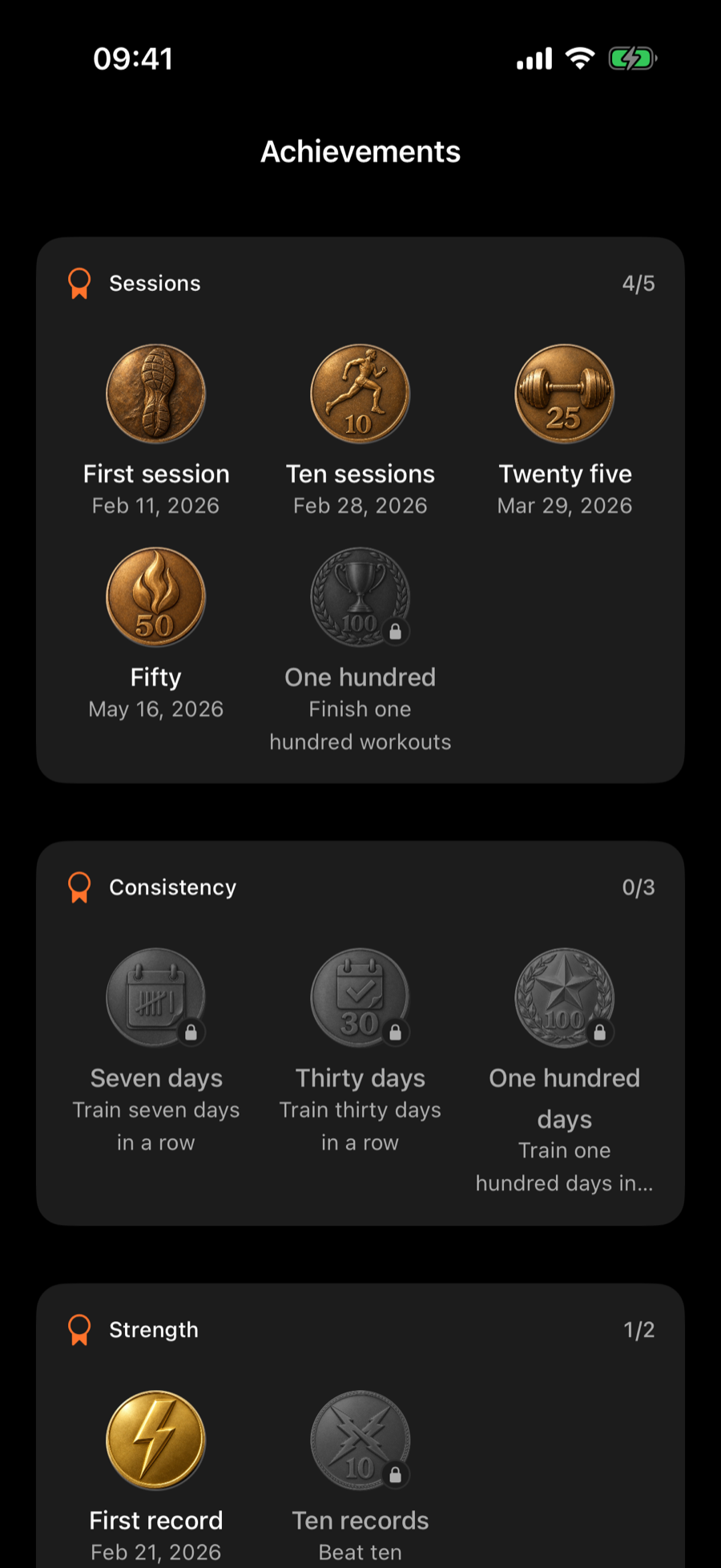
Ten ranks from Rookie to Diamond, and a statue that changes as you climb.
- Only forward. A rank is never taken away.
- Medals. For sessions, streaks, records and total weight lifted.
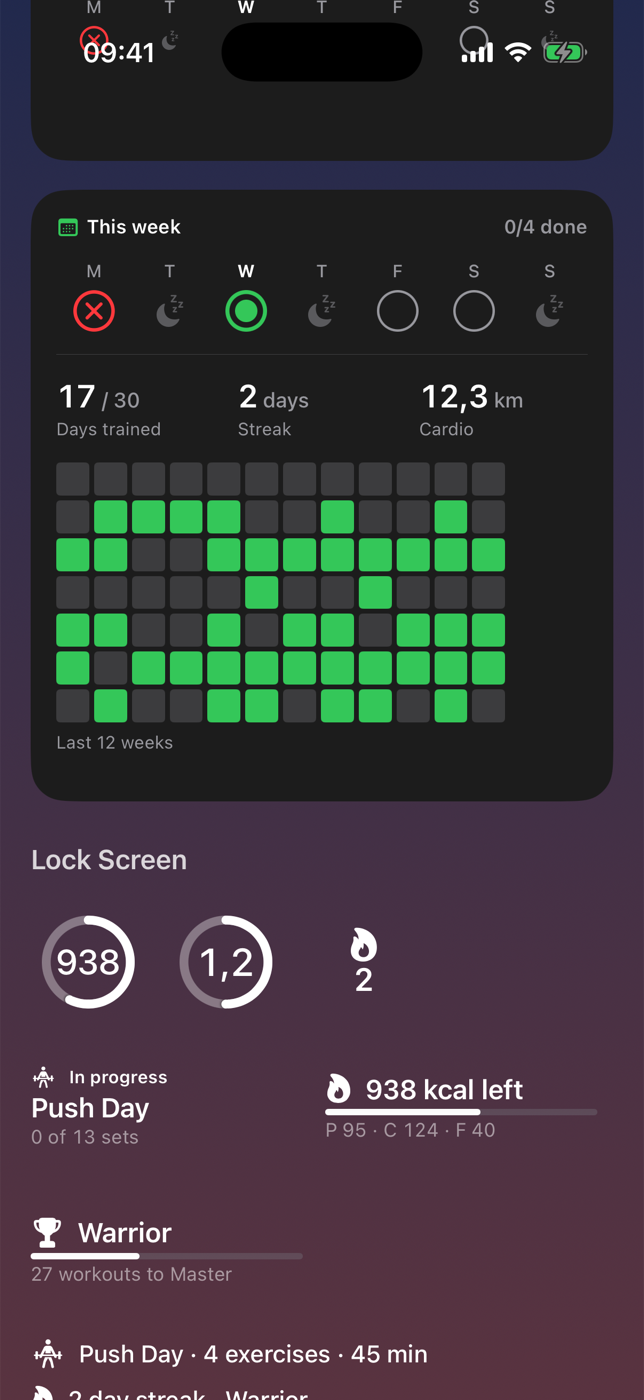
Widgets and Lock Screen
The day at a glance, without opening the app.
- Home Screen widgets. Workout, calories, water and rank, in every size.
- Lock Screen. An active workout stays visible while you train.
- Control Center. Start from a control.
- Apple Health. Activity from Health appears with your training.